14.11.8 Version Publishing Management
Administrators view published versions and manage version publishing on the Management Console → Version Control → Version Management page.
Opening Version Management
Click Management Console → Version Control → Version Management in the left menu.
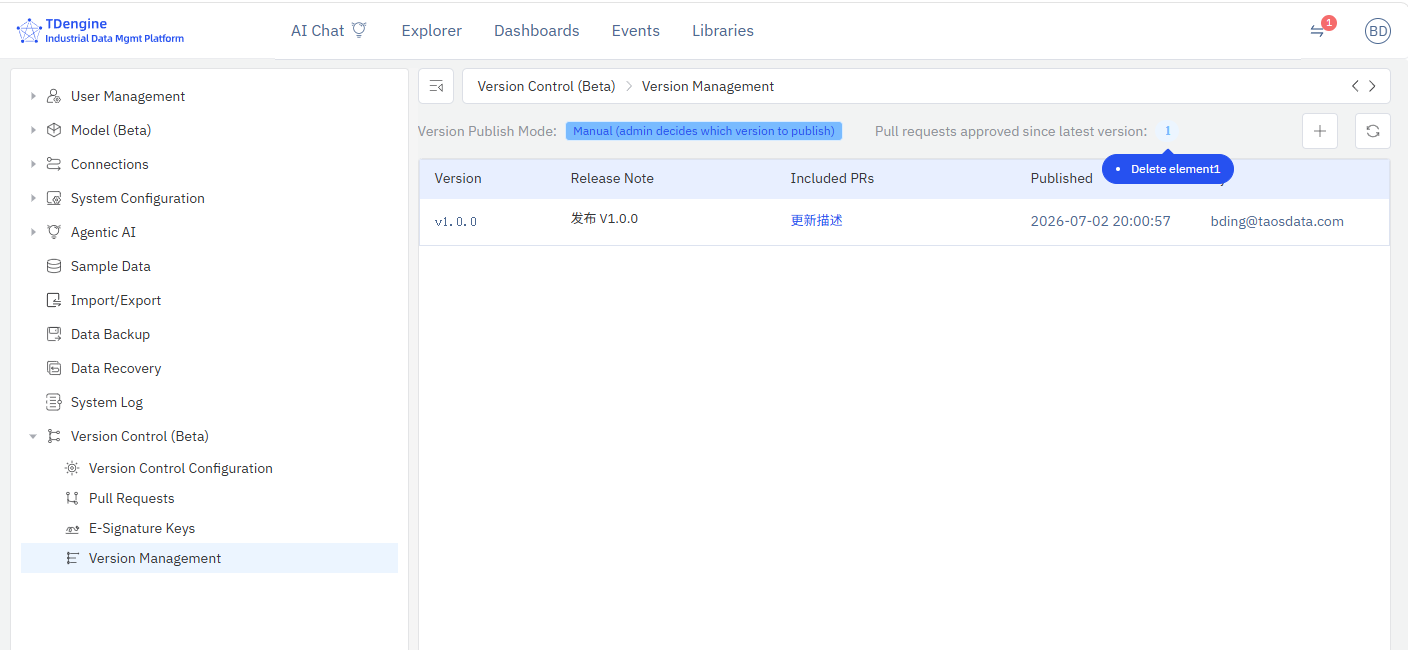
Page Layout
Top Status Bar
- Version Publish Mode: Displays the current publish mode (Auto-Push / Manual)
- Pending PR Count: Number of approved PRs since the latest version
- Publish Button (Manual mode): Available when there are pending PRs
- Refresh Button: Refresh the version list
Version List
| Column | Description |
|---|---|
| Version No. | Version identifier (short commit ID or custom version number) |
| Release Note | Version description (the reason for change entered during Check-In) |
| Included PRs | List of MRs/PRs included in this version; clickable links |
| Published At | Version publish time |
| Published By | Person who performed the publish |
| Status | Running / Published |
Status Descriptions
- Running: The currently running version, green badge
- Published: Historical published version, gray badge
Footer Data Version
The bottom of the page displays the current data version number:
- Shows the tag name when a tag exists (e.g.,
v1.0.0) - Shows the first 8 characters of the commit ID when no tag exists
- Shows "N/A" when not yet generated
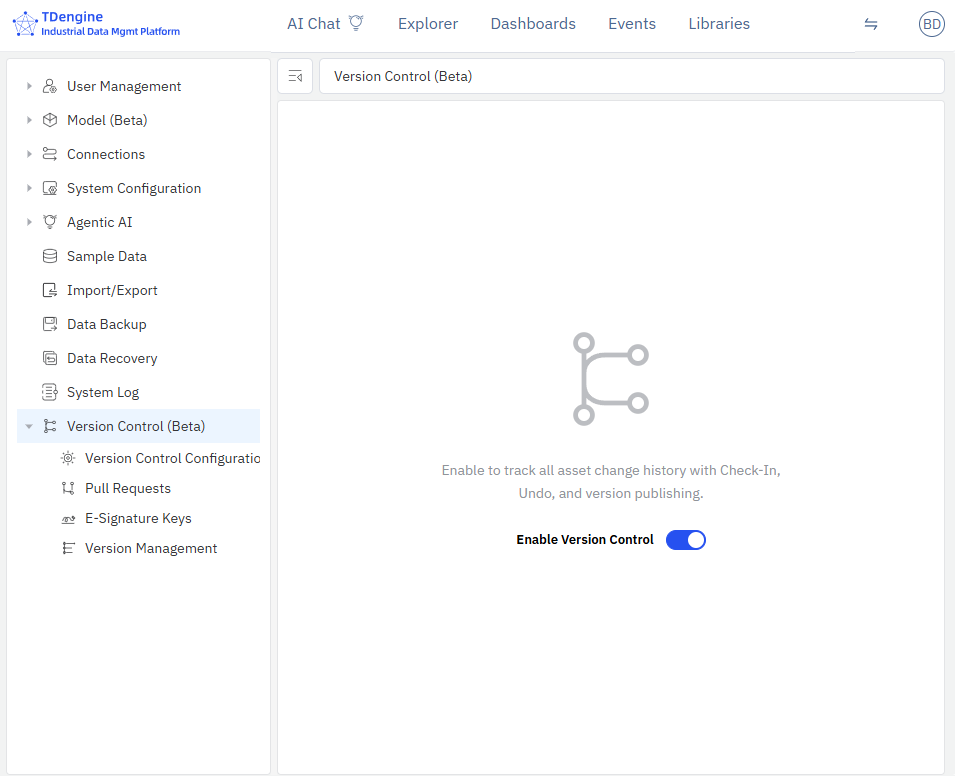
Manual Publish (Manual Mode)
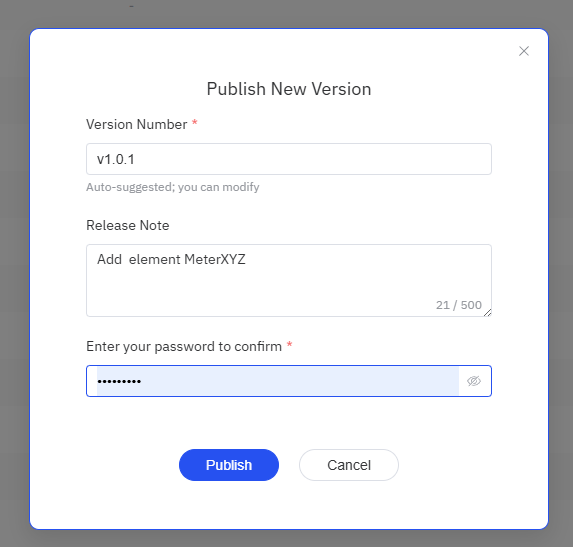
In manual mode, the administrator manually publishes a new version:
- Confirm that the "Pending PR Count" is greater than 0
- Click the + button in the top-right corner
- In the dialog, the system auto-generates a version number (modifiable)
- Enter the administrator password to confirm
- Click Publish
Auto-Publish (Auto-Push Mode)
In auto-push mode, the system automatically publishes a new version after an MR/PR is merged — no administrator intervention required.
If an error occurs during auto-publish, the system does not record the version, and the local repository is reset to its pre-publish state. The administrator will still see a pending PR count > 0 on the Version Management page and can click the Publish button to manually retry.
Version Rollback
The version rollback feature allows the system to be restored to a historical version. It is useful for scenarios such as accidental operations, incorrect bulk changes, or issues discovered after a release. By using rollback, administrators can quickly restore the system to a previously correct state, avoid manual one-by-one recovery, and ensure that the related data, such as index data, remains consistent with the current data version.
Use the following steps:
- Go to Management Console → Version Control → Version Management.
- In the version list, find the historical version you want to roll back to.
- Select that version and click Rollback to This Version.
- The system will automatically perform Git revert and synchronize the related data stores and version records.
- After the rollback completes, the system will create a new version record and audit log, which administrators can view on the Version Management page.
