Asset List
The asset list uses a table to display the enterprise's asset information along with their latest status and collected values.
Configuration Options
Configuration Entry
- Convert "Element Query Results" to Asset List
- Convert Child Element List to Asset List
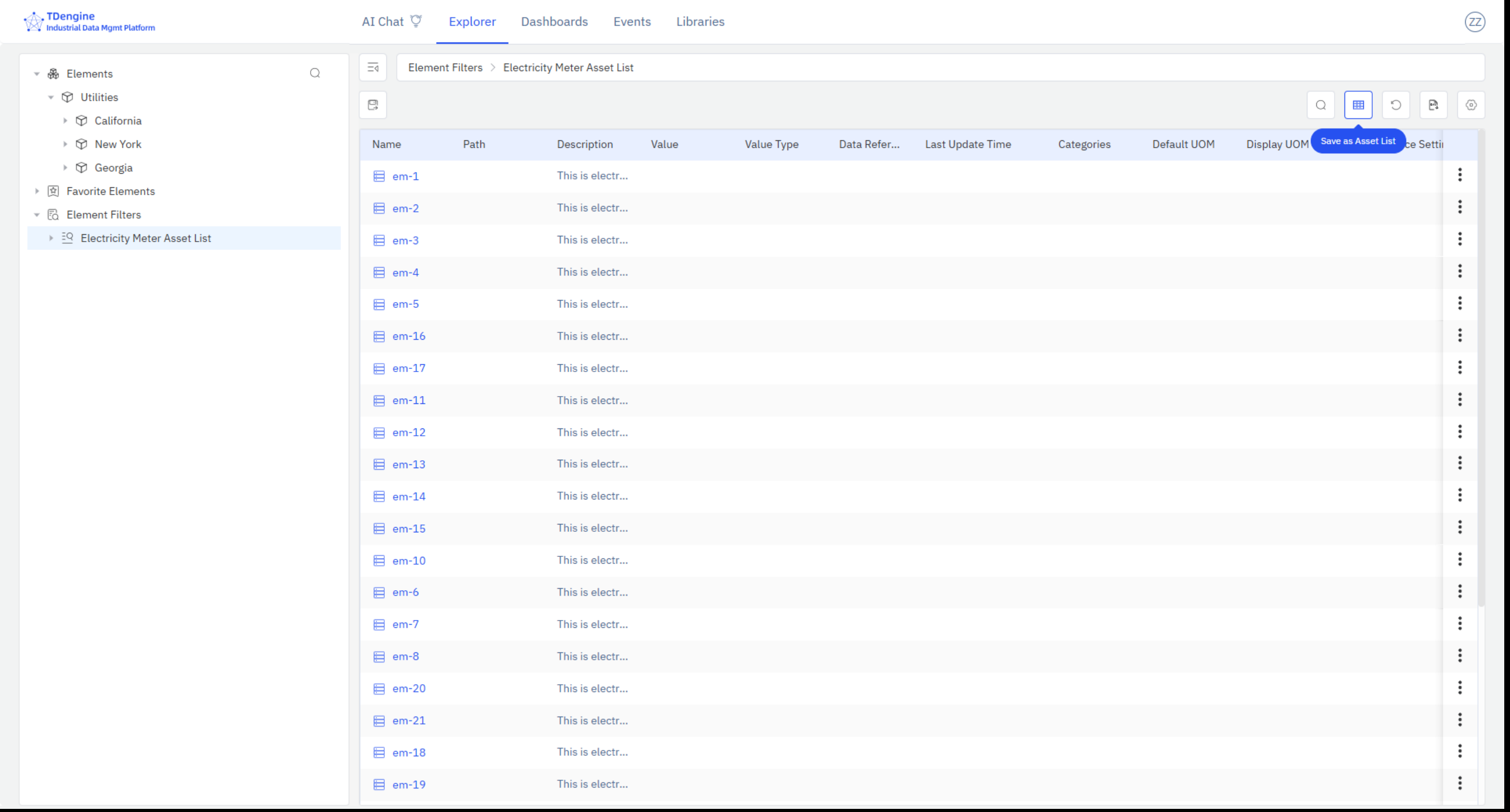
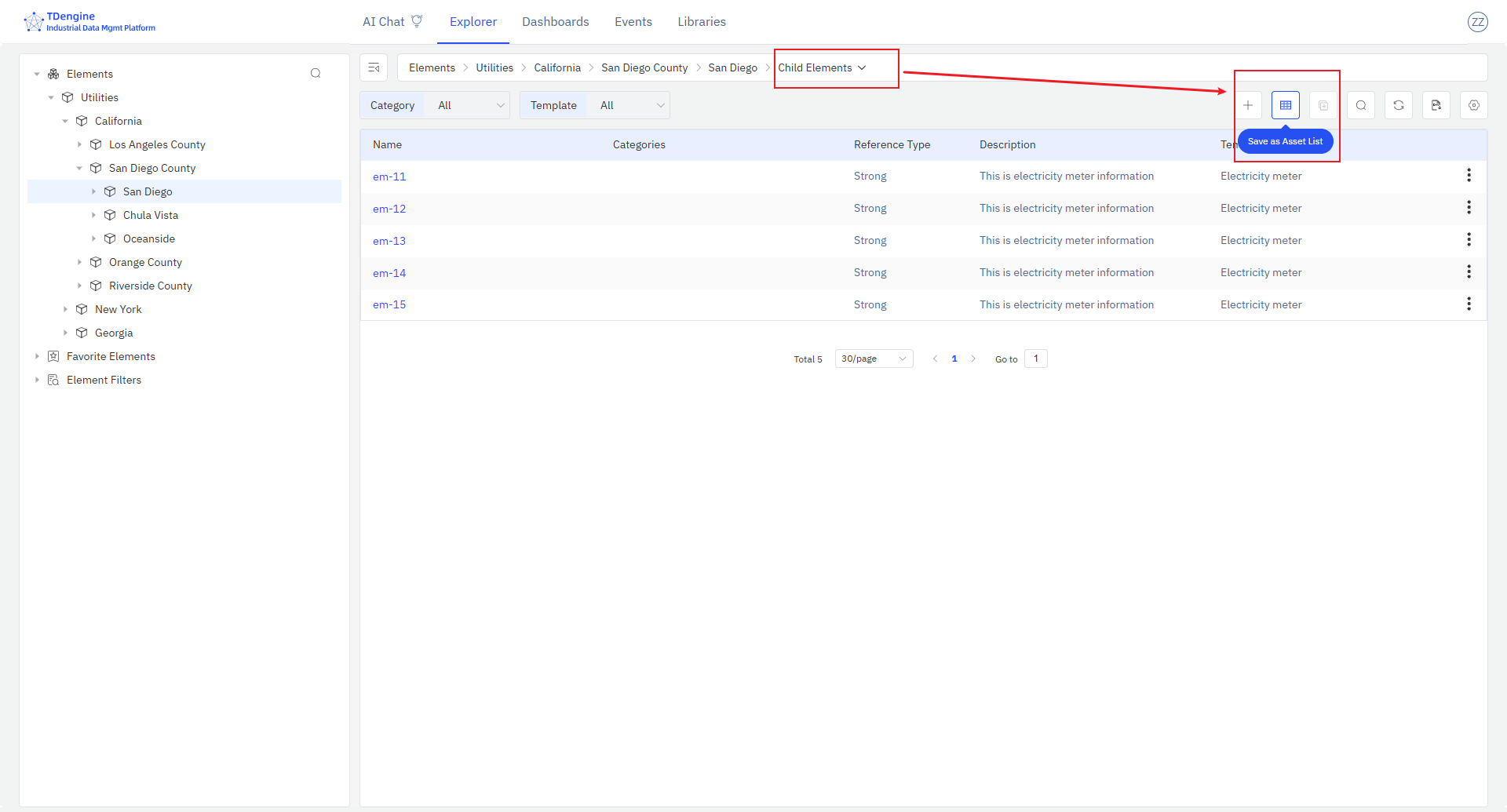
Asset List Configuration
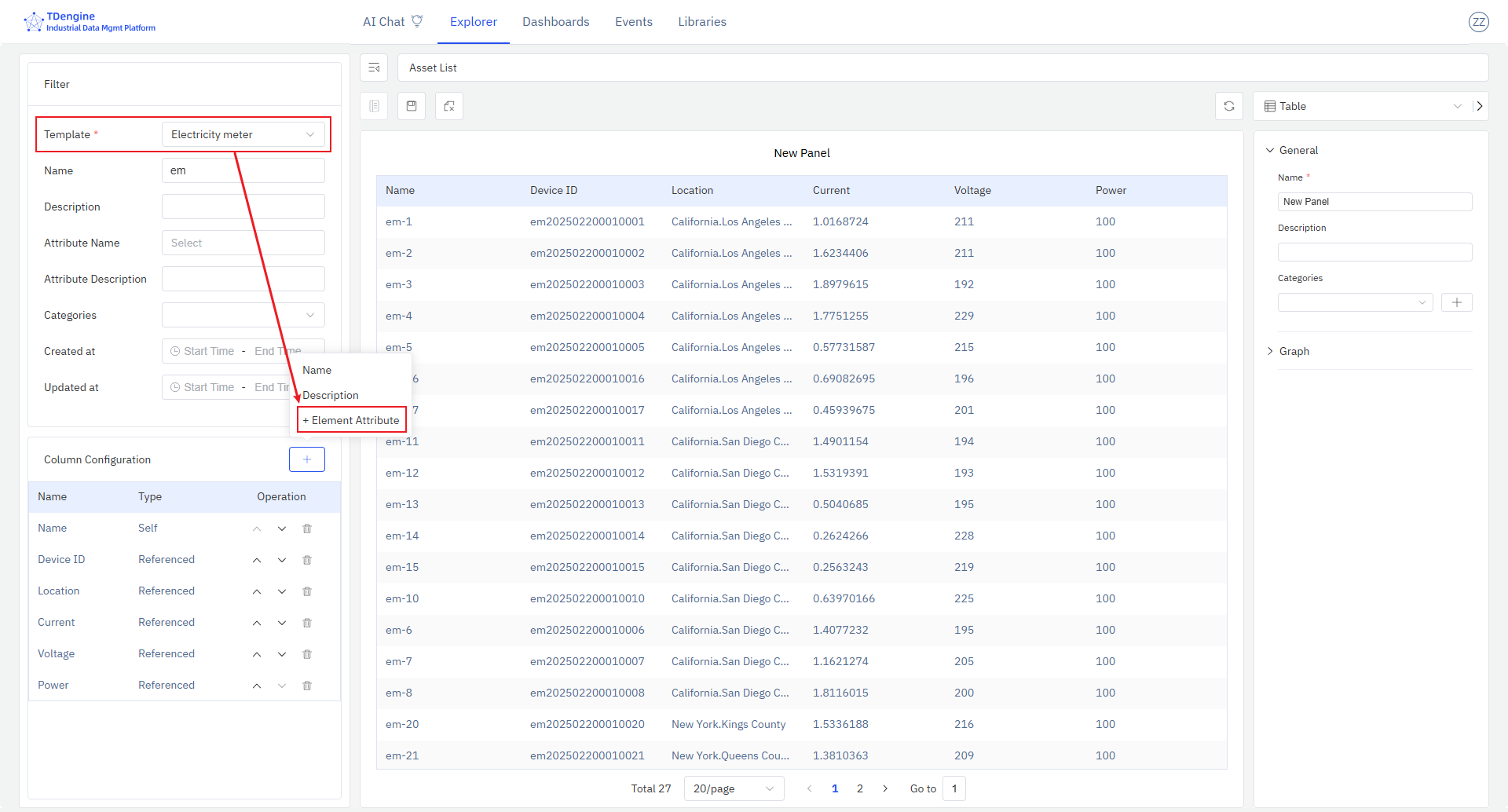
As shown in the figure, you can configure the following for the asset list:
- Query conditions: You must specify the asset type (template) to select the corresponding attribute fields.
- Displayed fields: Configure the fields to display and their order. Fields include the IDMP asset's own management attributes, as well as referenced attributes (TDengine Tags and TDengine Metrics).
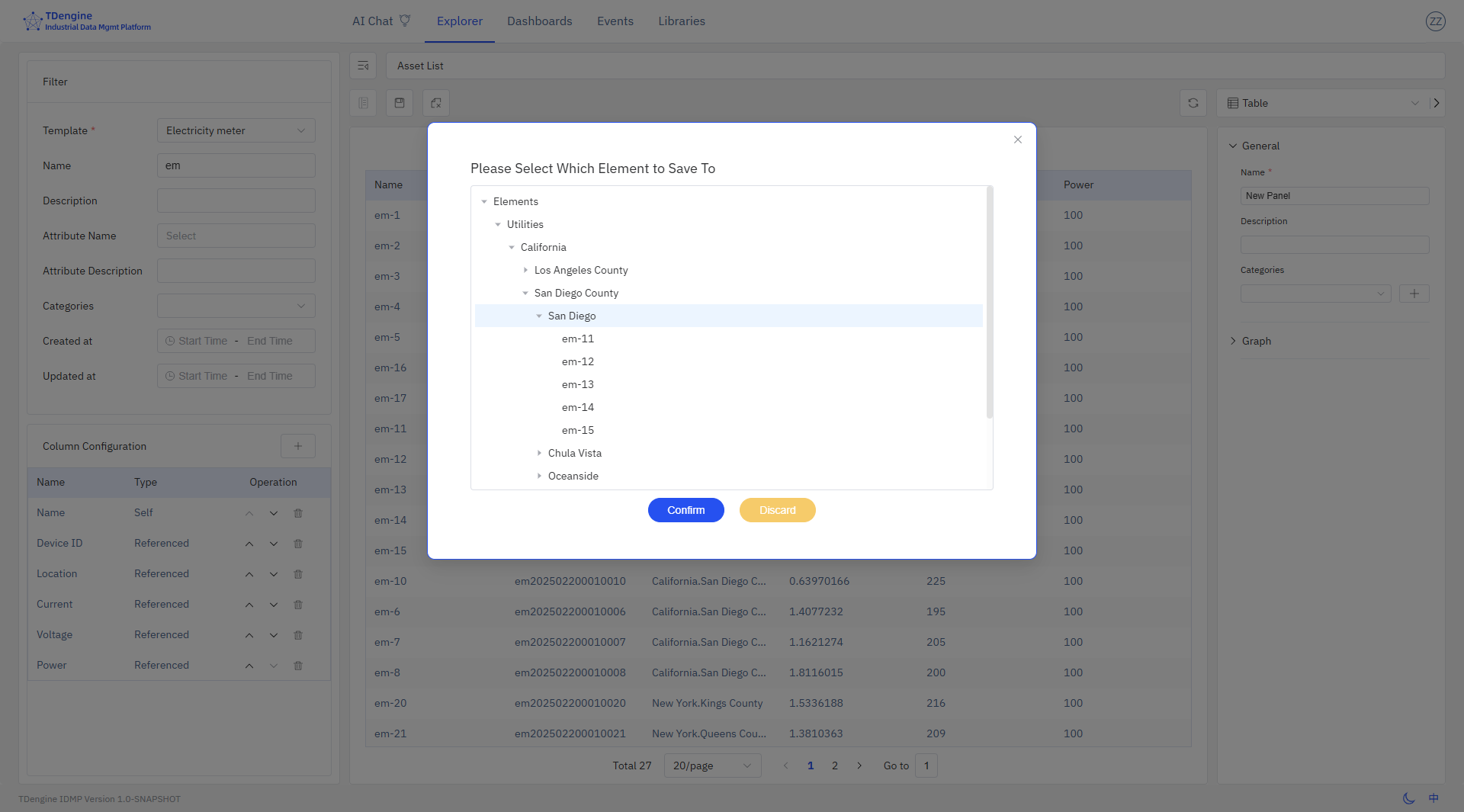
The save logic differs based on the conversion source:
- If converted from the
Child Element List, the panel is saved directly under the current element and can be queried there. - If converted from the
Element Query Results, you need to specify the save location, and it will be saved as a panel under the specified element.
Asset List Panel
After successfully saving the asset list, you can see its display in the panel list, as shown in the figure:
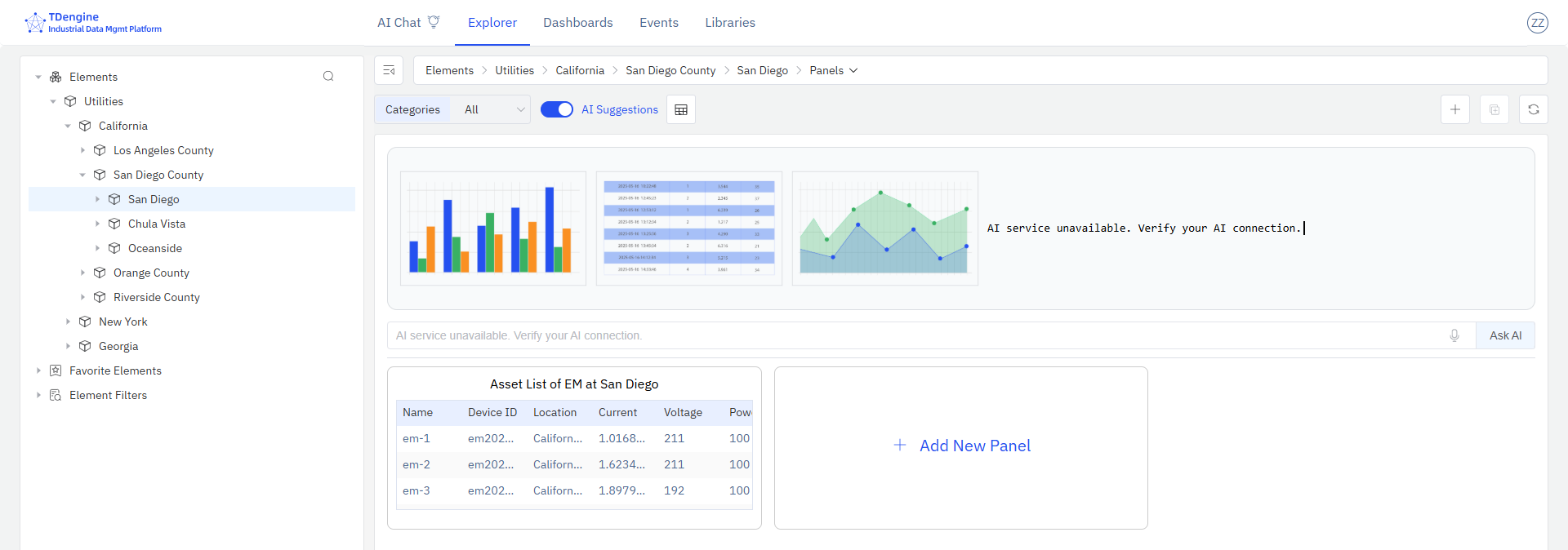
The asset list panel supports modification, deletion, and can also be added to the dashboard.
