5.5 Canvas
Setting Canvas Properties
- Default Color: Pre-set the default color, so that elements dragged onto the canvas (basic shapes, text, icons) automatically unify to the default color.
- Background: Background image, background color
- Grid: Background grid, grid color, grid size, grid angle
- Ruler: Enable ruler, ruler color
Setting Canvas Layout
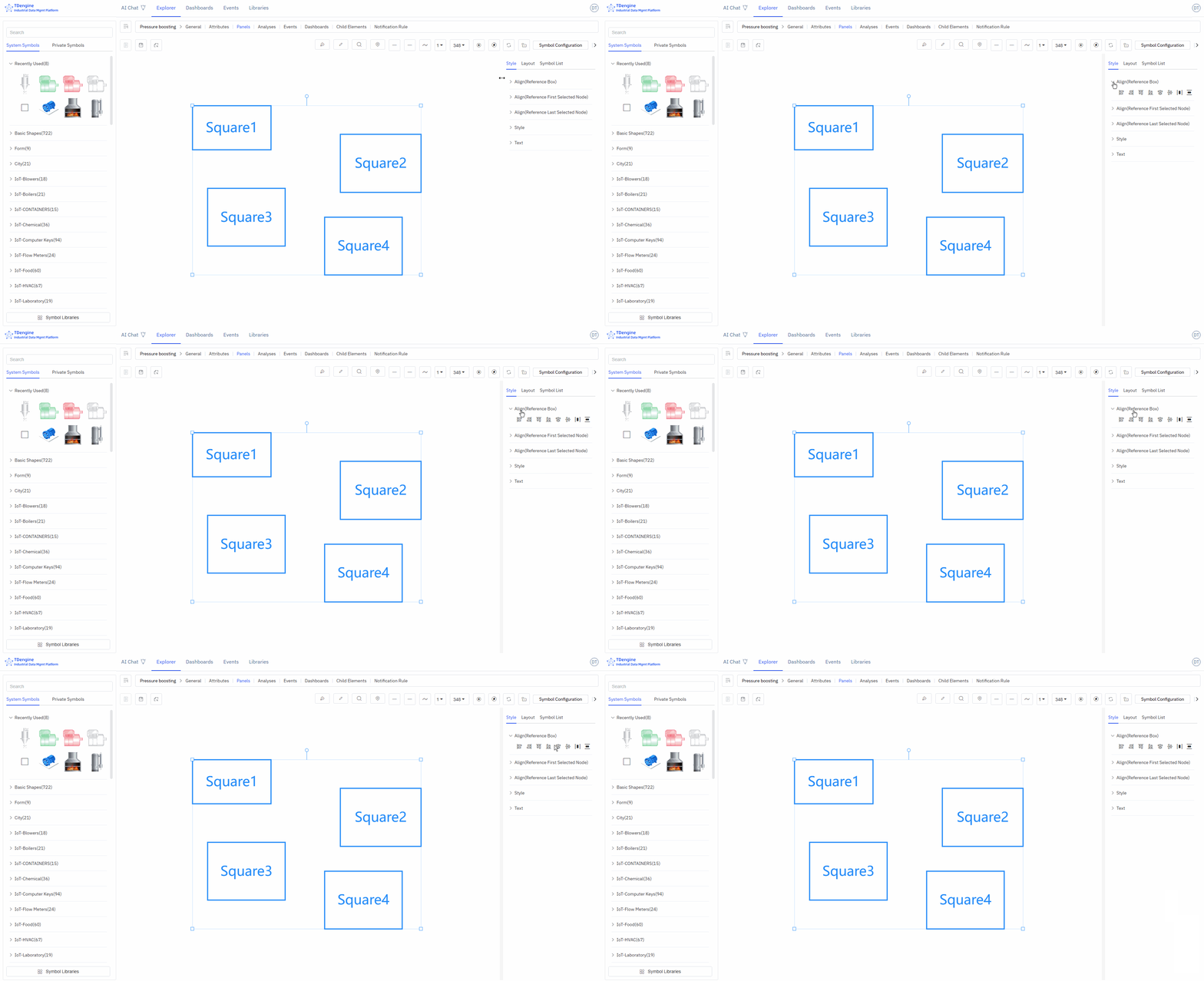
When multiple elements are selected, you can set the canvas layout and perform alignment operations: align left, align right, align top, align bottom, vertical center, horizontal center, distribute evenly left-right, distribute evenly top-bottom, same size, format painter.
Viewing Element List
This lists all elements on the entire canvas. If you click on one, that element will be selected and centered on the canvas.
- Editable: Can edit properties and events
- Locked: Can execute events and interactions
- Disabled: Cannot be selected, does not trigger any events, can be used as a background image.
